
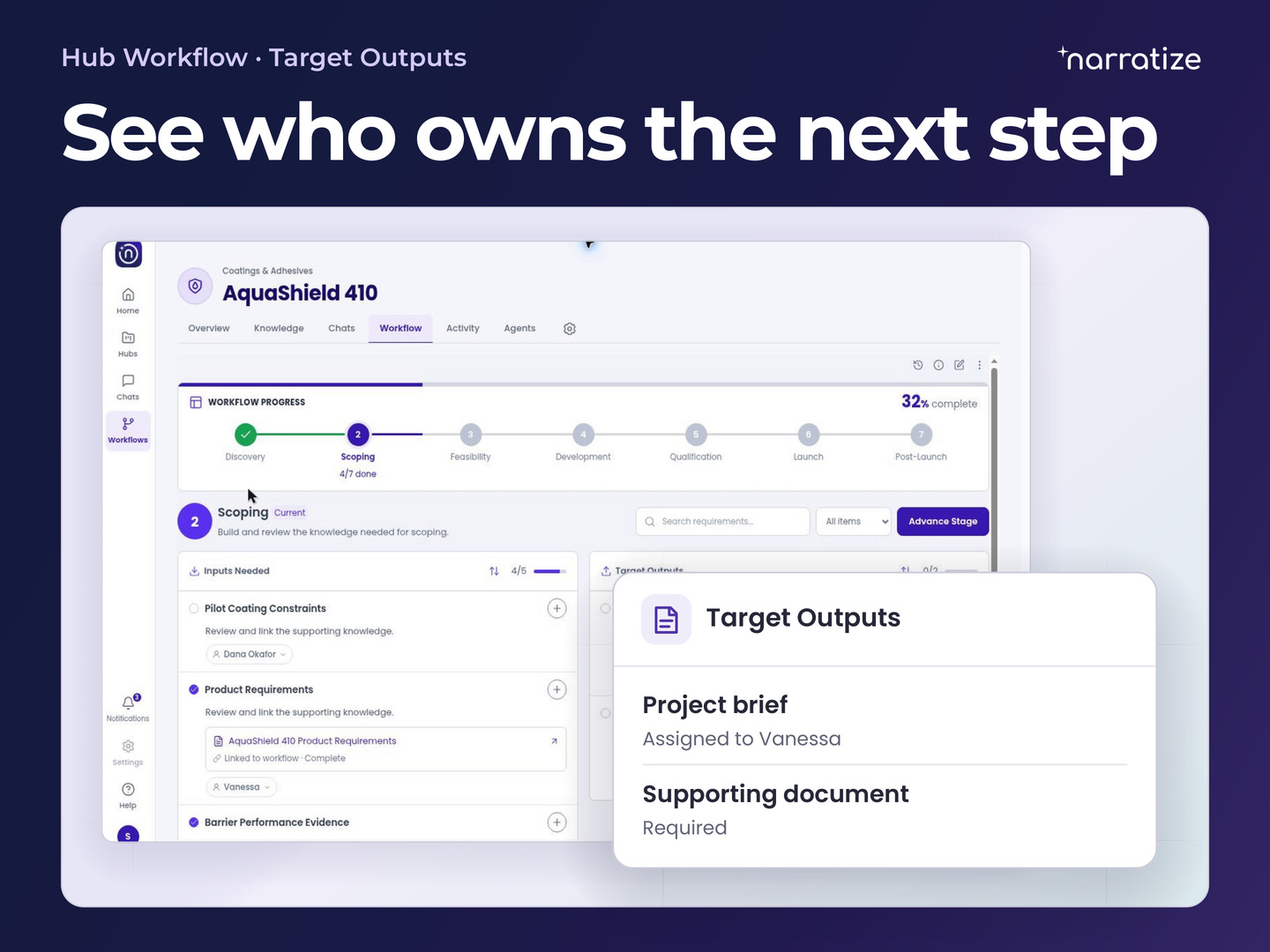
A Product Knowledge Hub gives everyone working on a product a shared place to prepare for a design review. Engineering can bring the latest drawing, product can bring the customer requirement, and service can add what it learned in the field. In Hub Chats, they can ask how those sources fit together. In Workflow, they can see what the review needs and who owns the next piece of work.
The updated hub experience rolls out the week of November 23. Here’s how it can help a team decide when a design is ready for tooling while there’s still time to change it.
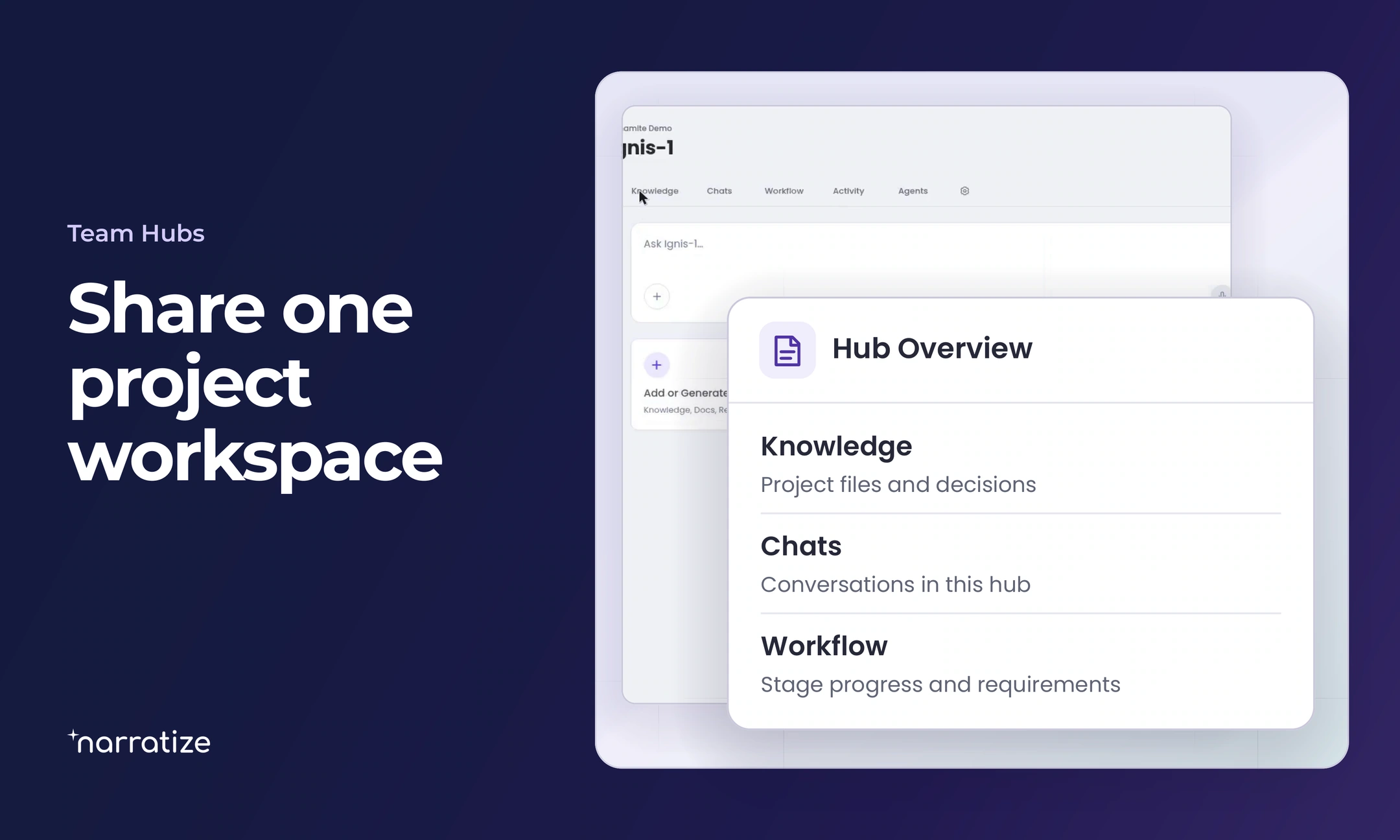
Hub Overview gives each team the same design question
Open the product’s hub and use Overview to ask a question or add knowledge. A well-framed question gives each contributor a reason to bring a particular source to the review.
Consider a team designing a compact pump for a customer’s equipment cabinet. The pump fits. The decision before tooling is whether a technician can replace the service cartridge once the pump is installed. Product adds the customer’s latest installation drawing to Knowledge. Engineering contributes the pump assembly drawing, service adds its removal procedure, and manufacturing supplies the tooling release date.
The installation drawing reveals a change. Another machine now sits beside the cabinet. The technician will have to work from the front. A summary saying the pump fits would have missed the constraint that could change the design.
Compare evidence from every function in Hub Chats
In the Chats tab, ask a question about the material in the hub, then open the citations to check the answer. For the pump review, the engineer needs three details.
Compare the service access shown in the latest customer installation drawing with the cartridge removal procedure. Identify the drawing revision, the direction of removal, and the space the tool needs. Cite each source. List any dimensions you couldn’t find.

The engineer can verify the cartridge’s travel from the drawing. Service can explain that its photo shows a bench repair with room to approach from the side. Together, they narrow the design question to the clearance needed to release the cartridge with the intended tool.
Workflow shows what the design review needs and who owns it
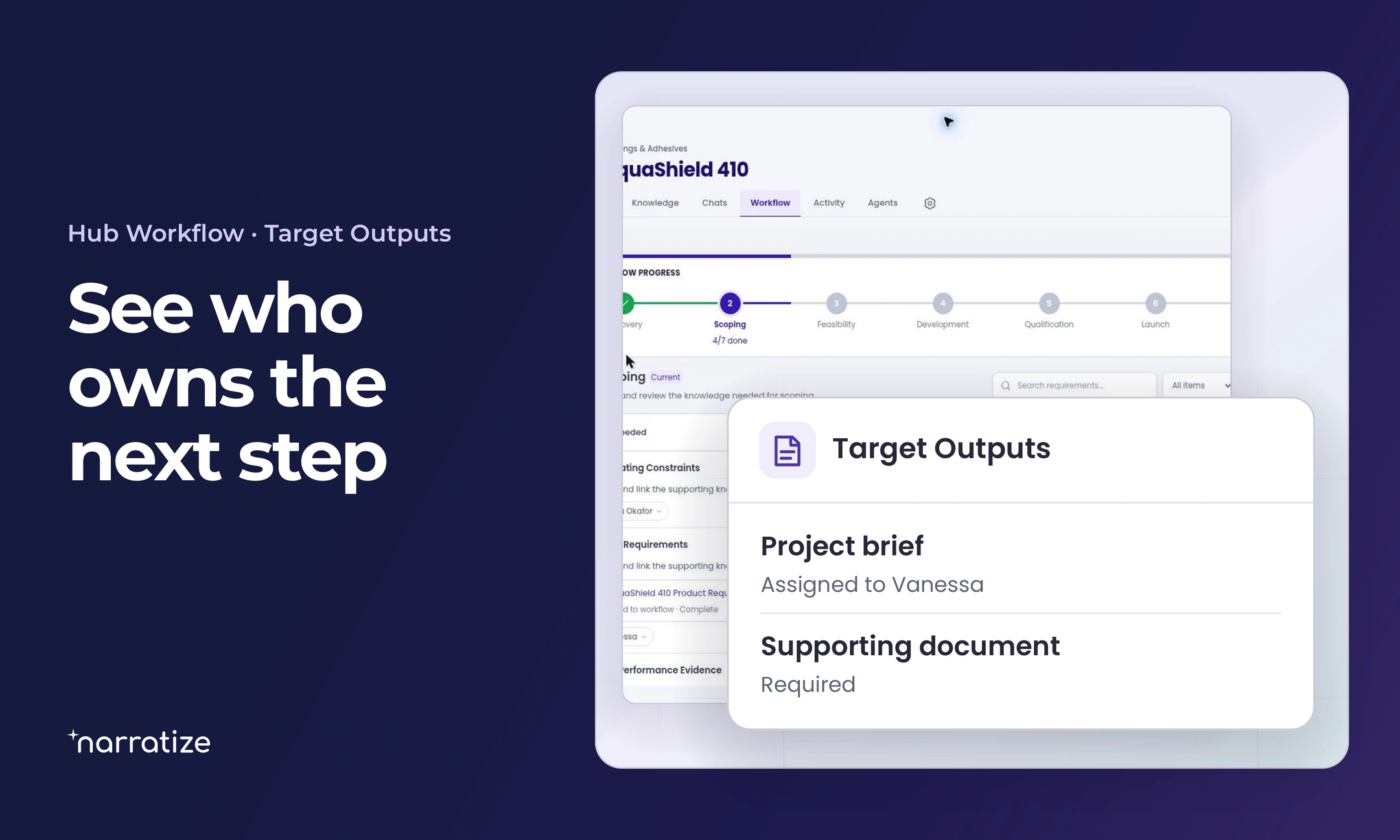
Open the current stage in Workflow. Inputs Needed shows the supporting material the stage calls for. Target Outputs shows what the team needs to produce and, where assigned, who owns it. The product manager can use that view to organize the work before the supplier’s deadline.
- Product management confirms the governing cabinet revision and front-access requirement with the customer.
- Mechanical engineering sets up a representative cabinet mock-up and identifies which cover dimension it could still change.
- Service attempts the replacement with the intended tool and records whether the cartridge can be removed and reinstalled through the available opening.
- Manufacturing gets the supplier’s latest decision date in writing and identifies which tooling work depends on the cover geometry.
In this example, the mock-up shows the cartridge can slide out, but the tool handle hits the cabinet wall first. Engineering revises the cover opening. Manufacturing releases the fixture work it has confirmed can proceed independently. The team can keep that part of the program moving while it resolves the service issue.
Save the design decision in Knowledge for the next handoff
Add the interference photo, the cabinet revision, and the release decision to Knowledge. Someone joining the project can use Activity to catch up, then open the record to see which tooling was released and what would clear the cover for production.
For the innovation leader, that changes what the meeting is for. The people who know the design can settle factual questions ahead of time. The review can focus on the trade-off that needs a decision.
Bring a design decision that crosses functions to a discovery call. We’ll walk through what each reviewer can contribute in a shared hub.