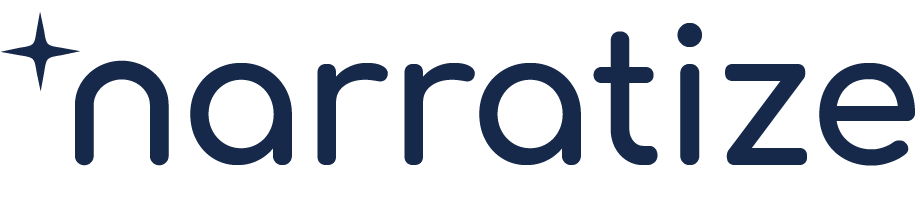

A Product Knowledge Hub keeps the requirements, experiments, and decisions for one product together. When an R&D scientist needs to plan the next experiment, three tabs do different jobs. Knowledge holds the original evidence. Chats helps the scientist compare it. Workflow shows where the recommendation belongs in the development process.
The updated hub experience rolls out the week of November 23. To see how the tabs work together, follow a scientist developing a moisture-resistant coating as she decides whether her formulation is ready to try on a production line.
Find your product’s documents, conversations, and workflow from Overview
Open the coating from Hubs. The product name stays visible as you move between tabs, so you can tell which formulation’s evidence and conversations you’re using.
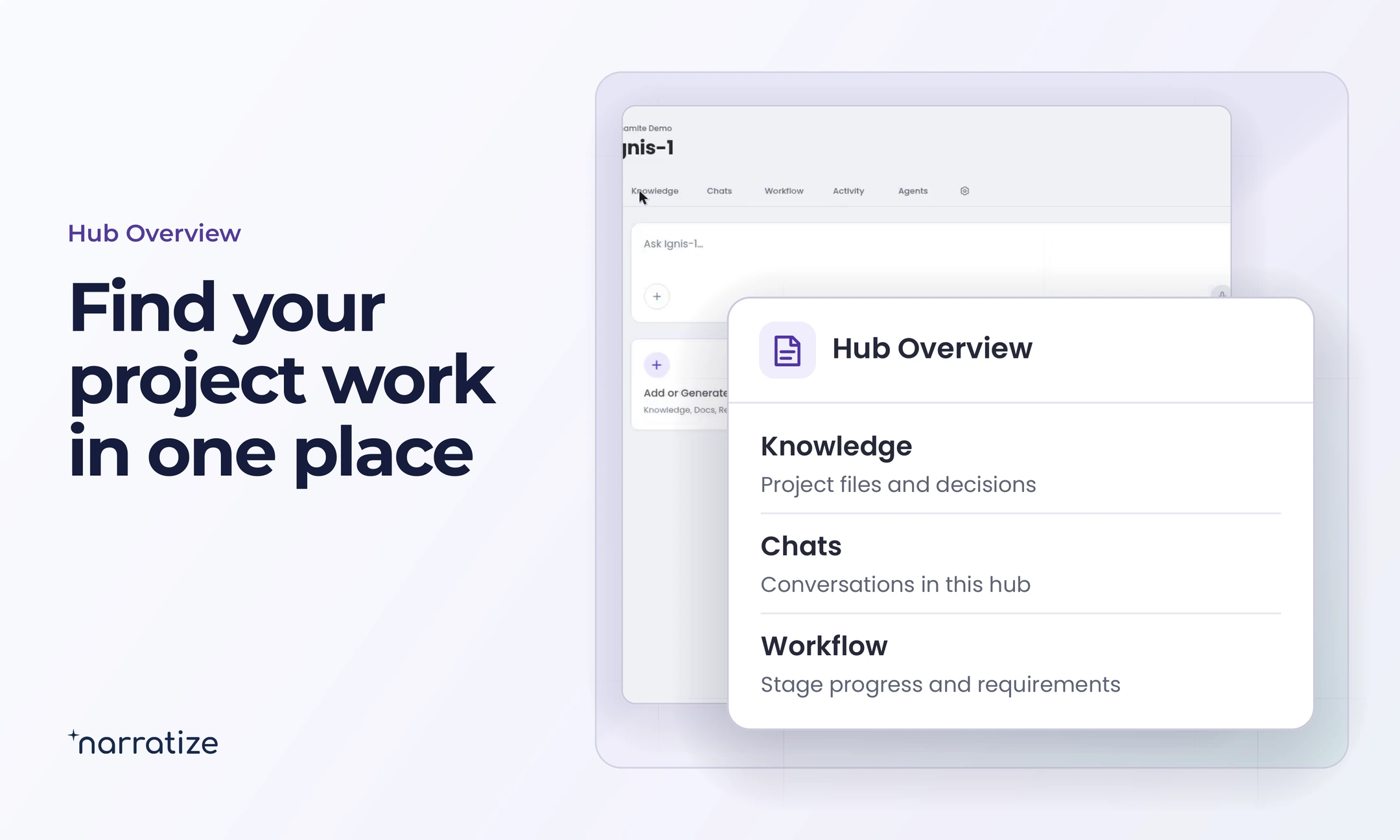
- Overview. Ask a product question or choose Add or Generate Knowledge.
- Knowledge. Find requirements, reports, and working documents with search and filters.
- Chats. Compare sources and return to earlier conversations about the product.
- Workflow. See the current development stage, its required inputs, and its expected outputs.
- Activity. Catch up on recent work in the hub.
- Agents. Find the agents available for a defined task in this hub.
Check the product requirement and test conditions in Knowledge
In Knowledge, open the customer’s brief alongside the latest experiment and the proposed process conditions. That makes it easier to see which part of the product requirement the experiment actually covered.
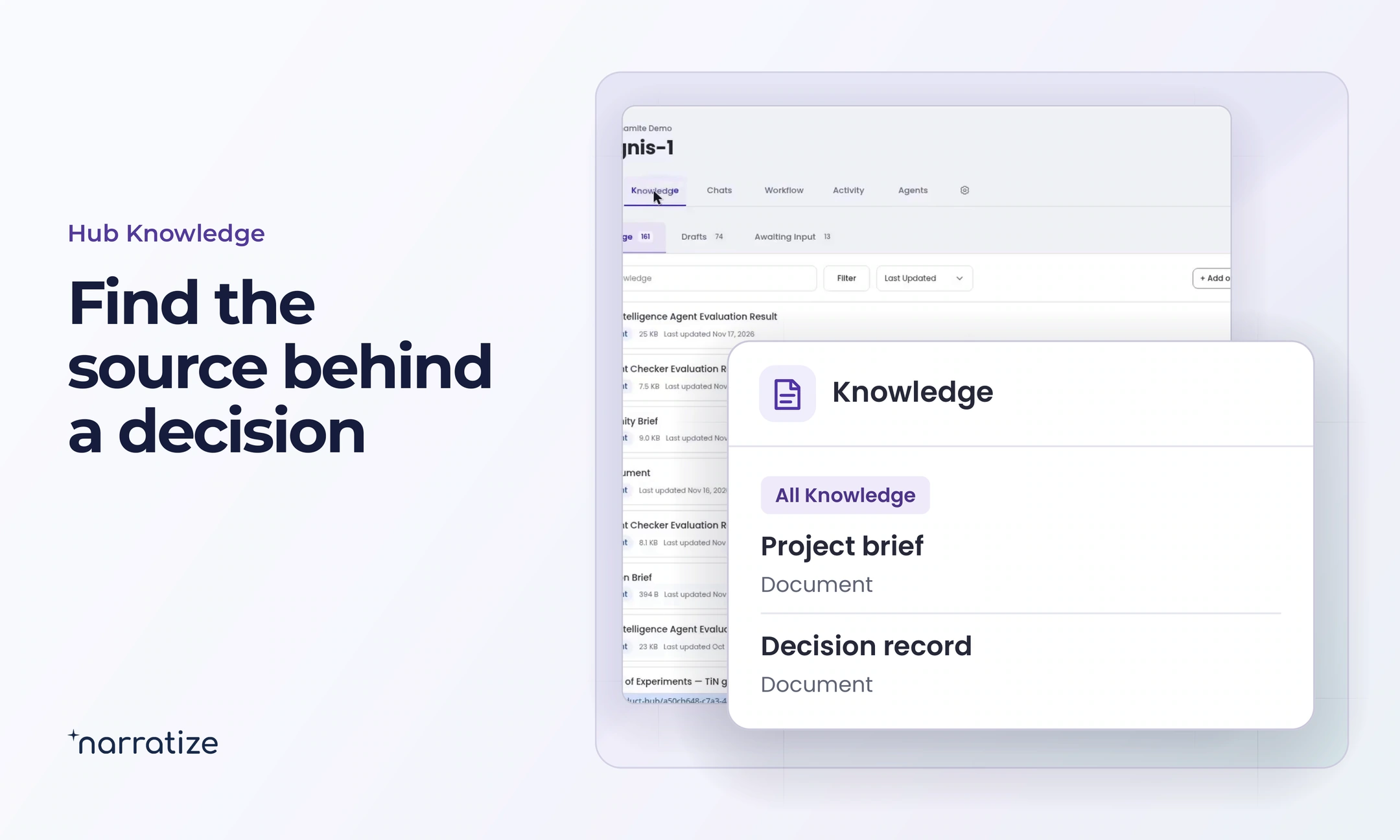
For the coating scientist, Maya, three details matter. A lab sample met the customer’s moisture-barrier target at the intended coat weight. The lab notebook gives the oven temperature but says only “until dry.” On the production line, dryer length and line speed determine how long the coating has to dry. She has promising barrier performance and an open question about how to reproduce it at scale.
Ask Hub Chats to compare the evidence and identify the next experiment
Ask Chat to compare the specific conditions that could change the recommendation. Its citations let you check the numbers in context. Maya can put the question this way.
Compare the lab report and the line specifications with the customer’s moisture-barrier requirement. Which coat weight, drying temperature, and drying time does each source give? Cite each value, flag anything missing, and identify the most useful condition to test next.
Maya opens the cited passages. The report gives a conditioning time before the barrier measurement, but that interval tells her nothing about time in the dryer. She can now propose a targeted experiment. She’ll hold coat weight constant and repeat the coating at a drying time the line can actually deliver.
If a related product hub is available to her, Maya can include it in a question and look for an earlier method that measured drying time at a comparable coat weight. She can reuse a sound method while gathering evidence for this formulation.
Use Workflow to turn the experiment into a stage recommendation
In Workflow, Inputs Needed identifies the evidence a stage calls for. Target Outputs identifies the work reviewers expect to receive. A scoping stage might call for performance evidence and a preliminary product requirements document. The scientist can use those requirements to decide what to document and what still needs investigation.
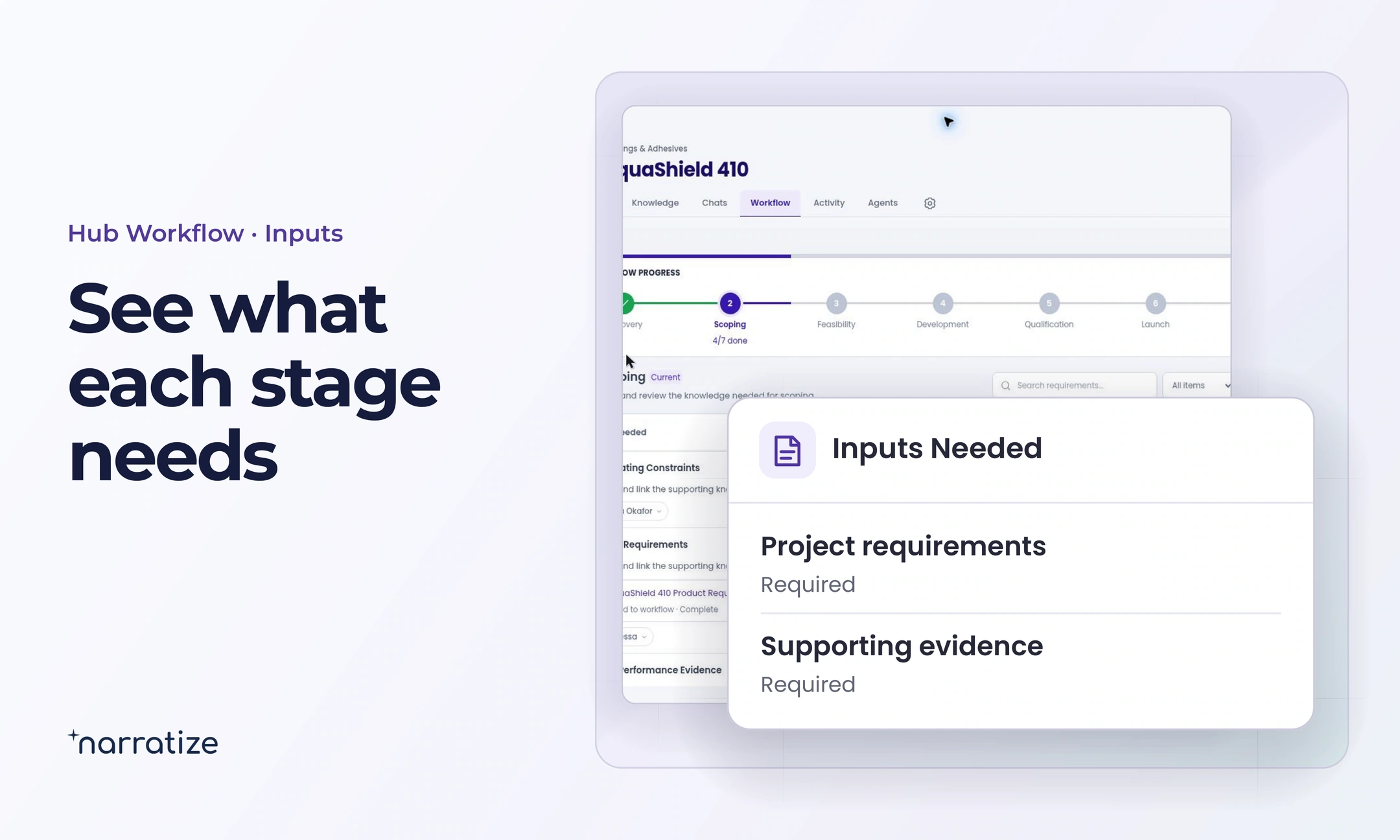
Maya links the report and line specifications to the recommendation. She records the customer’s target, the change she plans to test, and the result that would justify a limited line trial. When the new result comes in, the next reviewer can see why the team chose that experiment and whether it answered the scale-up question.
Try this with a formulation, design, or material change on your own roadmap. Open its hub and ask which missing condition could change what you do next.