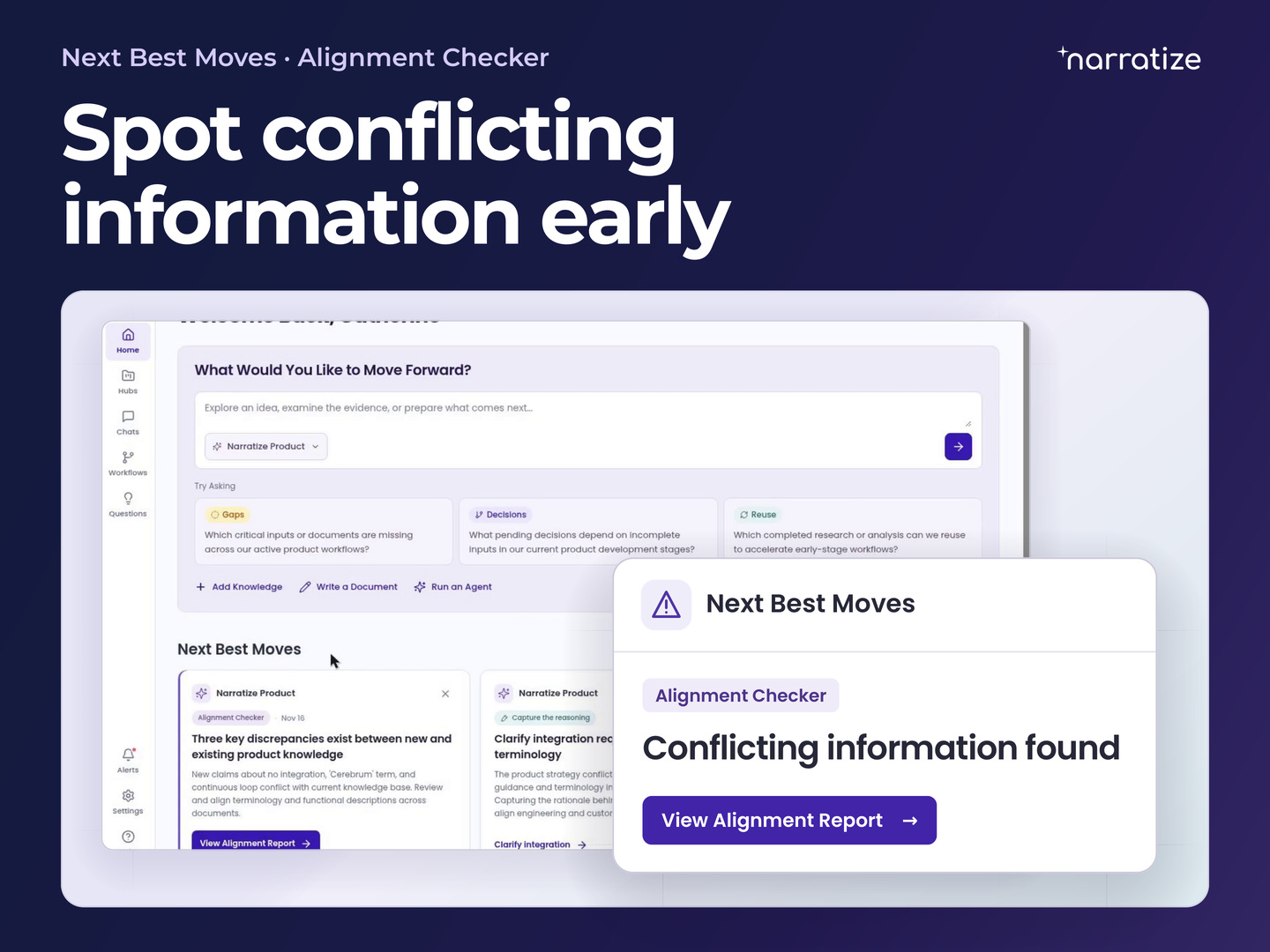
The new Narratize home page gives R&D teams two ways to move product development forward. In Chat, you can ask a question across product hubs and find earlier work worth reusing. Under Next Best Moves, Narratize flags gaps or conflicting information when someone adds knowledge to a hub, even if nobody has thought to ask about it.
That can change what a team does next. Finding an earlier test method can save a scientist from designing one from scratch. Spotting a conflict between a customer requirement and an engineering report can give a team time to revise the design before tooling begins. The new home page rolls out the week of November 23.
Ask across product hubs with Try Asking
Start in Chat on the home page and select the hubs relevant to your question. Choose one product for a decision about its current design, or include related products when you want to learn from earlier work. The Try Asking prompts cover three kinds of questions.
- Gaps. Find a requirement or piece of evidence the team still needs. Ask, “Which customer requirements are missing supporting test results?”
- Decisions. Identify an open choice and what could change it. Ask, “What do we still need to decide before releasing the design?”
- Reuse. Find earlier work worth building on. Ask, “Which previous program used a test method we could adapt?”
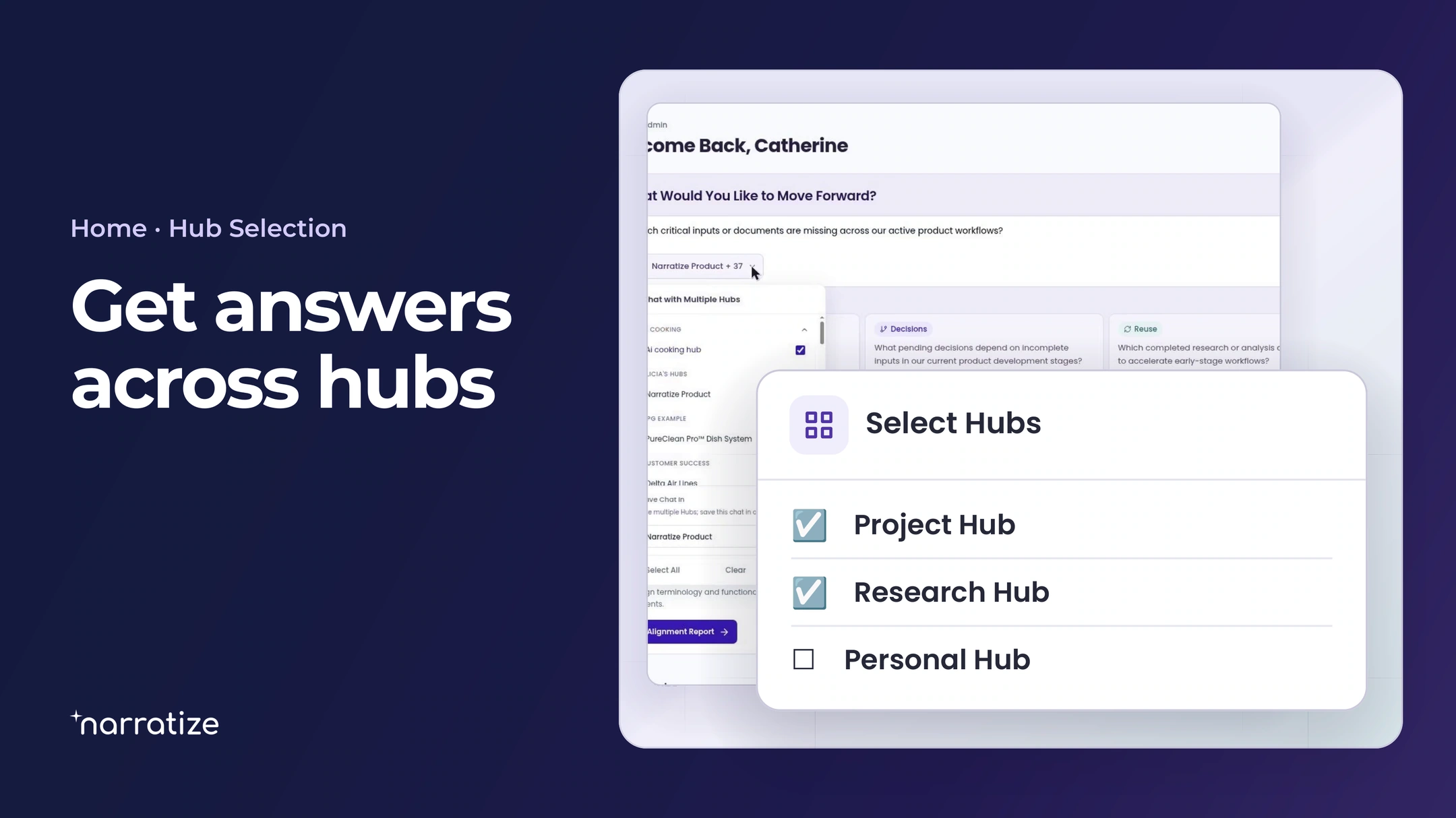
Choose a prompt, edit it to fit the decision, and send it. You can also add knowledge, start a document, or run an available agent from the home page when you already know what the work calls for.
Smart Suggestions flag conflicts and gaps when you add knowledge
When someone uploads knowledge to a hub, Alignment Checker can compare it with existing product knowledge, and Gap Assessment can identify missing information. Under Next Best Moves, a Smart Suggestion explains what needs a closer look and offers an action, such as opening an alignment report or adding the missing knowledge.
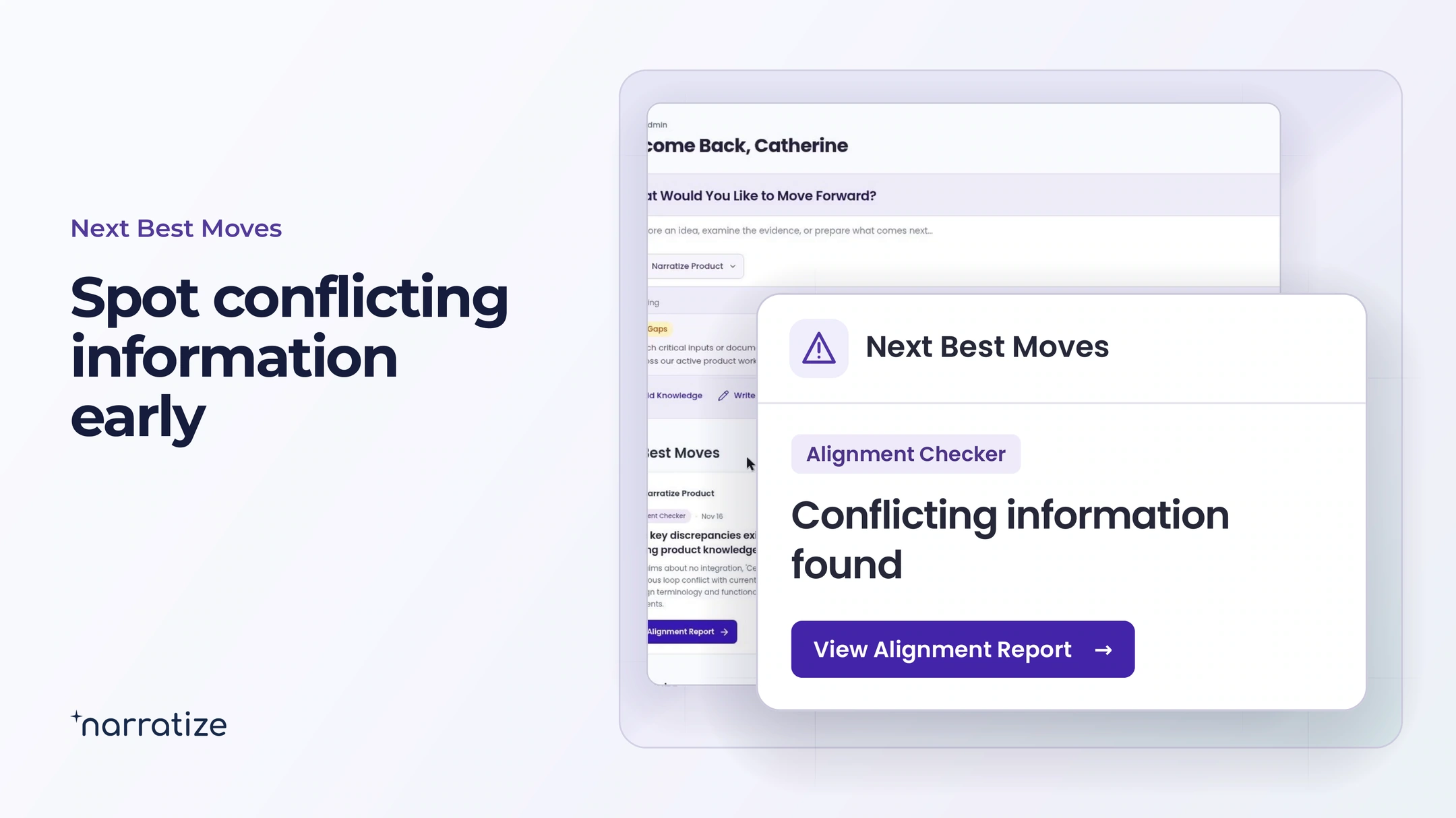
Consider a team developing a valve actuator for equipment that gets washed down daily. Sales describes washdown protection as a feature of the standard model. A newly uploaded engineering report says the test assembly had an optional cover. An Alignment Checker finding gives engineering and product a reason to revisit the claim before they freeze the design.
Open the Alignment Report to see what the sources actually say
Choose View Alignment Report to inspect the conflicting statements and their sources. For the actuator, engineering can check which configuration was tested while product checks what the customer expects the base model to do.
Those details determine the next move. If the customer can use the covered configuration, the team can clarify the ordering instructions. If washdown protection is a requirement of the base model, engineering has a design or testing decision to make. The report puts the discrepancy in front of the people who can resolve it.
Capture the Reasoning keeps the decision with the product
When a suggestion offers Capture the Reasoning, choose Write a Note or Upload a Record. Record what the team decided, the evidence it relied on, and the instruction someone else will need when the design changes.
- Decision. Release the daily-washdown claim for the model fitted with the protective cover. Hold the claim for the base model.
- Rationale. The test record identifies the cover as part of the tested assembly. The customer brief allows that configuration.
- Applicable instruction. Identify the required cover on the data sheet and quotation. Revisit the base-model claim when a test record covers that configuration.
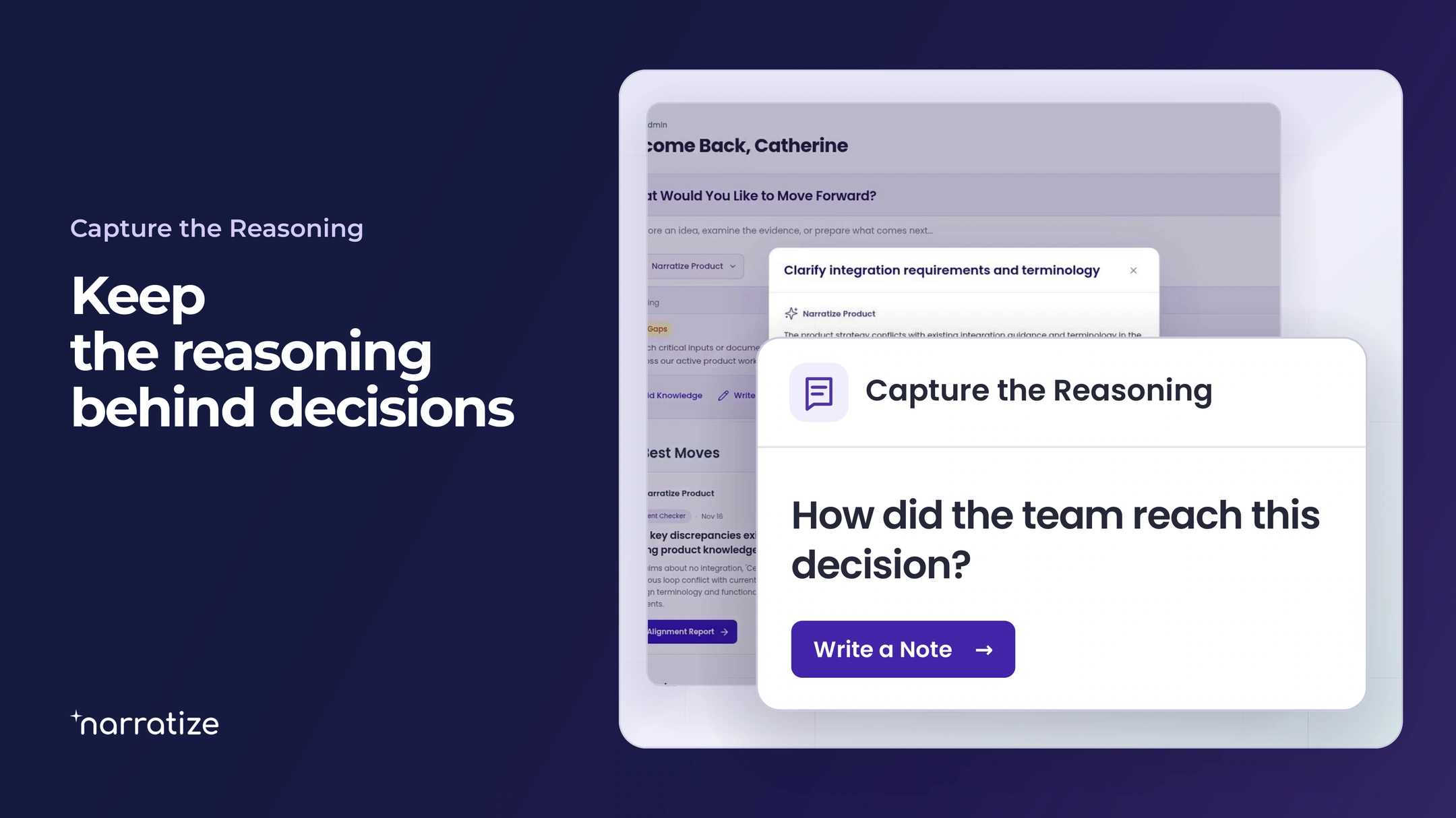
Save the note as Knowledge. Months later, an engineer evaluating a cover redesign can find the customer claim, see why it depended on the cover, and reopen the relevant test record. The next team gets the reasoning along with the answer.