

In Narratize, an innovation leader can start in Hubs to see which stage a product has reached, then open its workflow and examine the evidence behind the next investment request. Chat lets reviewers compare that evidence with earlier programs. A Smart Template helps the project lead bring the decision, alternatives, and open questions into one brief.
The new experience rolls out the week of November 23. One decision it can support is whether a project is ready to use scarce production capacity or could answer its most important question with a smaller experiment.
See which stage a project has reached with Show Workflows
Turn on Show Workflows in Hubs to see the current stage alongside each product that has a workflow. Open the relevant hub, check what the stage requires, and use Knowledge to inspect the sources behind the request.

Suppose two product teams need the same line next week. One has developed a recyclable pouch whose seal performed well at room temperature. The customer’s revised requirement also covers refrigerated storage. Before funding a line trial, the leader needs to know whether production equipment is necessary to answer that question.
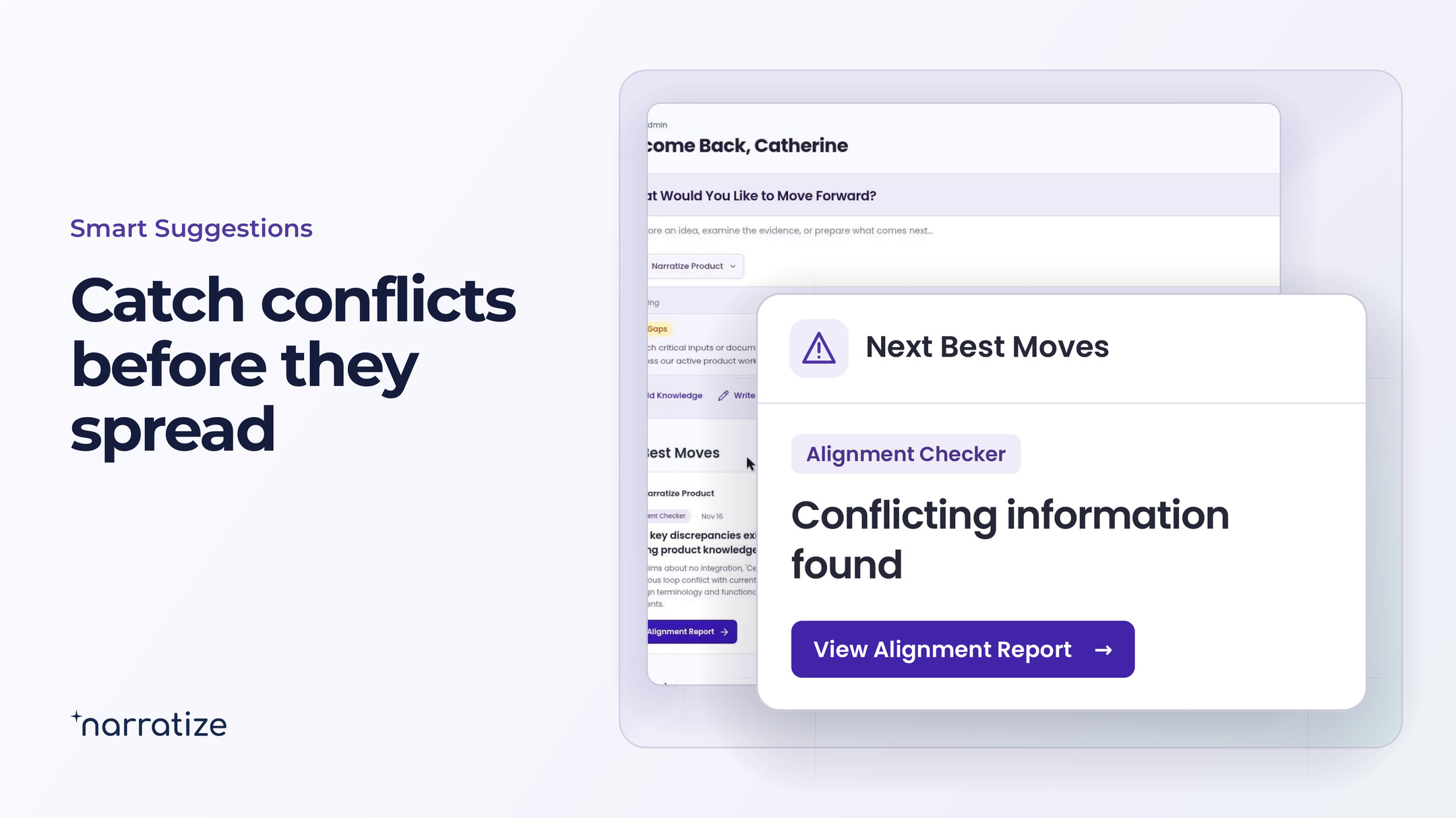
If new knowledge triggers an Alignment Checker finding, open the report from Next Best Moves and check which specification governs the decision. A passing result under the original condition is useful evidence. The revised requirement tells the team where more work is needed.
Search related hubs in Chat before commissioning more work
Select the relevant product hubs in Chat and ask for earlier work under comparable conditions. Open the citations to check what transfers. If the protocol sits in an enabled connected tool, a reviewer with access can bring it into the comparison.
Which earlier trials tested this film after refrigerated storage? Show the film grade, seal settings, storage conditions, and acceptance criterion in each source. Flag anything the report leaves out.
The team finds a refrigerated test protocol for another film grade. It can reuse the method to test the new pouch in the lab. The earlier result alone cannot establish how the new film will perform.

Turn the evidence into a funding decision brief with a Smart Template
Start the team’s review template in Chat. Ask for the decision requested, the evidence for each option, and the uncertainty that would change the recommendation. For the pouch team, those choices fit on one page.
- Decision requested. Reserve the pilot line now, or use the lab to test the new storage condition first?
- Evidence in hand. The current film met the original criterion at room temperature. The earlier project documented a refrigerated test method using another film grade.
- Open question. Does the seal on this film still meet the customer’s criterion after refrigerated storage?
- Next commitment. Quality confirms the criterion with the customer. The lab lead identifies what can be learned before the line allocation expires.
Now the committee can weigh a specific trade-off. Manufacturing can explain what only the production line can establish. The lab lead can say when a smaller test could answer the storage question. The leader can reserve capacity for the project that needs it and set a clear condition for revisiting the other request.
Use Capture the Reasoning to preserve the investment decision
When a suggestion offers Capture the Reasoning, record the decision and why the committee made it. If the team chooses the lab test first, save the governing requirement and the result that would justify booking the line. A different team considering a similar pouch can see how much of that reasoning applies.
Bring an upcoming investment decision to a discovery call. We’ll trace it from the project’s workflow to the evidence the person authorizing the work needs to see.
Book a discovery call