
Blog
Bring files and feedback from SharePoint, Google Drive, Salesforce, and other connected tools into product development.
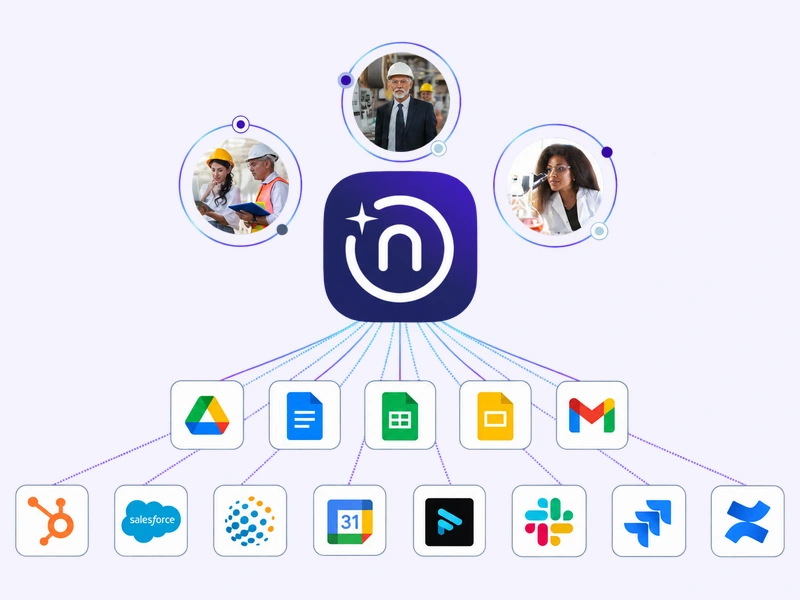
A customer wants better performance at higher temperatures. Your team has tested this before, but the reports live in another tool. Bring them into Narratize Chat, compare the conditions with the new target, and use what you learned to plan the next experiment.
A Connector lets Narratize retrieve information and perform supported actions in another tool. Use that information alongside your Product Knowledge Hub, a shared place for product evidence and expert context. Available services include Microsoft and Google tools, Salesforce, HubSpot, and more.
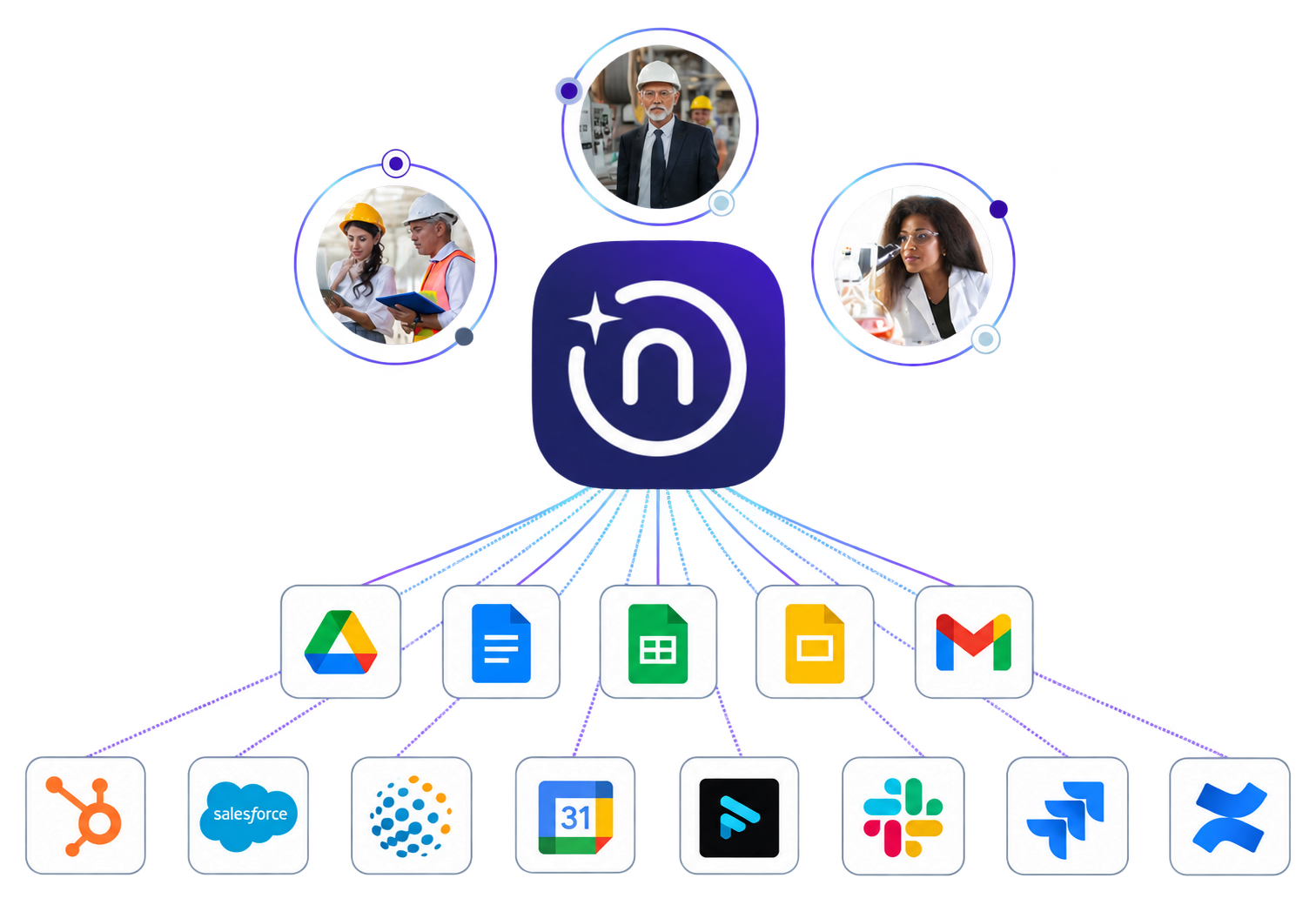
Select the Connector for your shared files and ask: “Find prior tests for [product]. Compare the methods and conditions with our Hub’s performance targets. What remains unproven, and which experiment would help us resolve it?” Open the returned reports, check that their conditions apply, then refine the proposed experiment with your team.
Use Connectors in Chat, custom Agents, and configured Smart Templates. Import documents into the Hub or export work to a connected tool where supported. Available actions depend on the service and access; retrieving a source does not automatically save or synchronize a Hub copy.
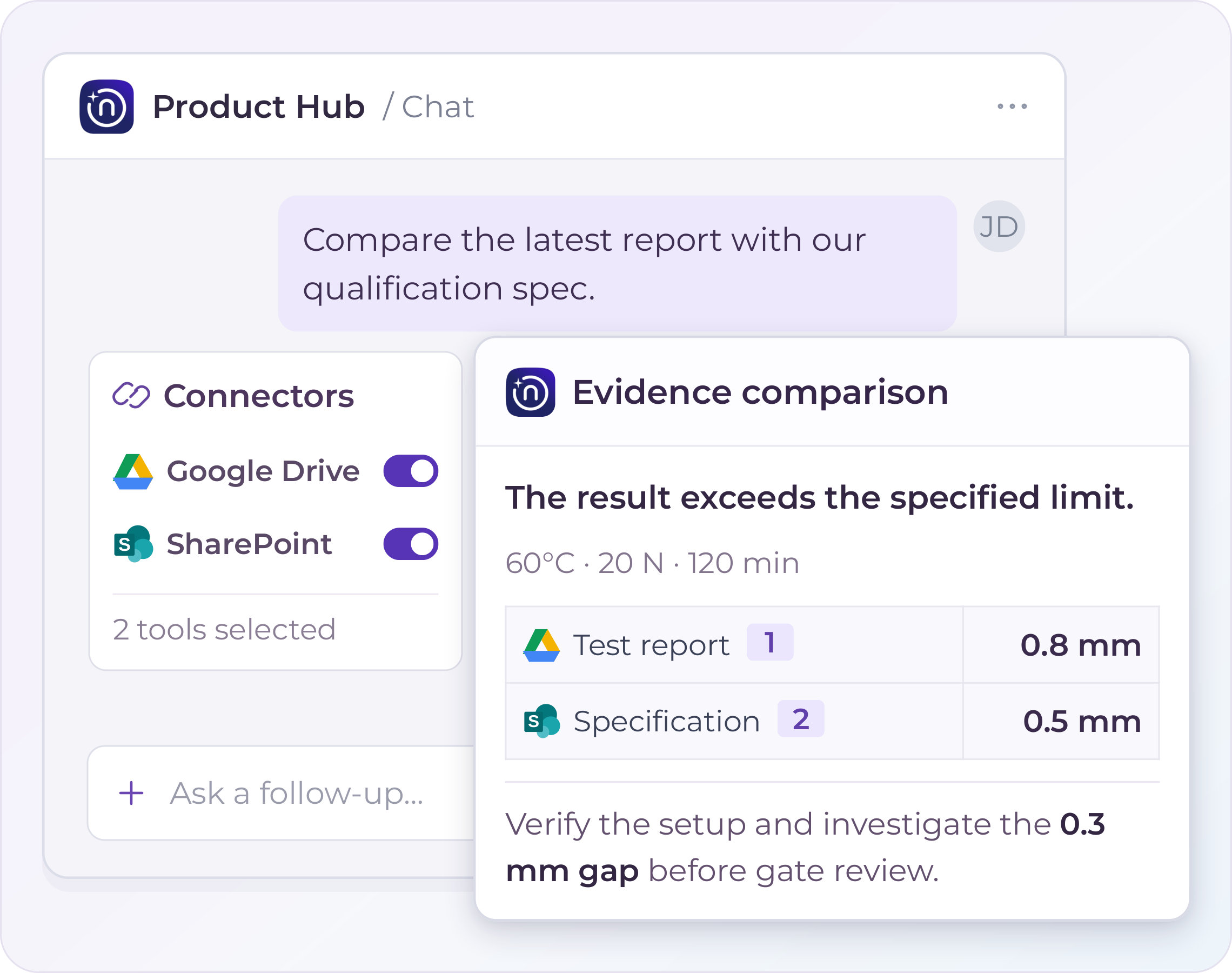
Admins set up the service in Settings → Connectors and make it available in Chat. Users open a Hub → Chat’s plus button → Connectors, connect an account if prompted, and turn on the tool for the message. The walkthrough above and the admin setup video cover each role.
Open Narratize · Watch the User Walkthrough · Watch the Admin Setup Video
Pick one product question and the tool that holds its evidence. If that tool isn’t listed, ask customer success about adding a connection where a functional MCP server is available.
It connects to the systems you already use. It thinks through the problem with you. It runs the Agents, Smart Templates, and Skills that finish the work.
Schedule a demo and watch your team's expertise become intelligence the whole organization can use.