
Blog
Work through product questions with Hub knowledge, connected sources, Agents, Smart Templates, and reusable Skills in one conversation.
The customer now needs the product to work at a higher temperature. Your test report covers the old conditions. Before anyone says yes, the team needs to know what the evidence supports and what still needs testing.
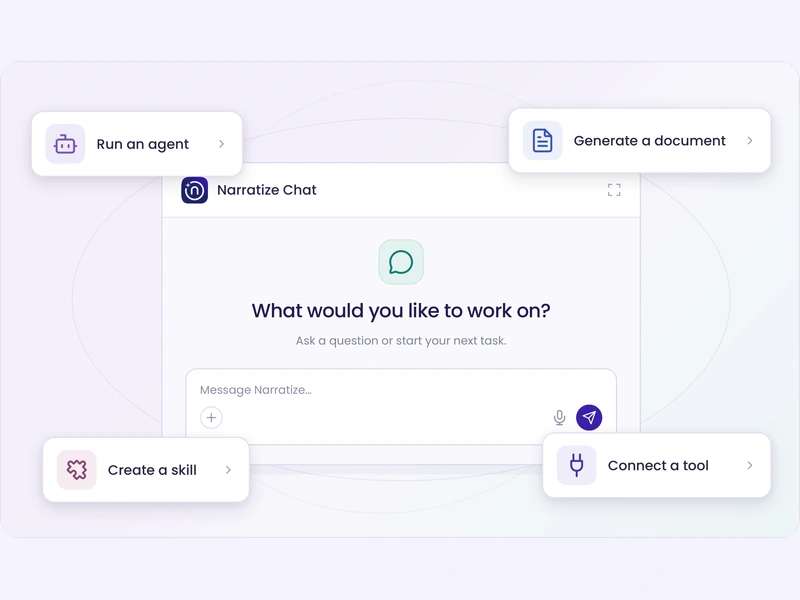
Bring that question to Narratize Chat. Compare the new requirement with what your team already knows, ask follow-up questions, and work through the gaps. Then draft a brief that shows engineering what changed and what needs checking.
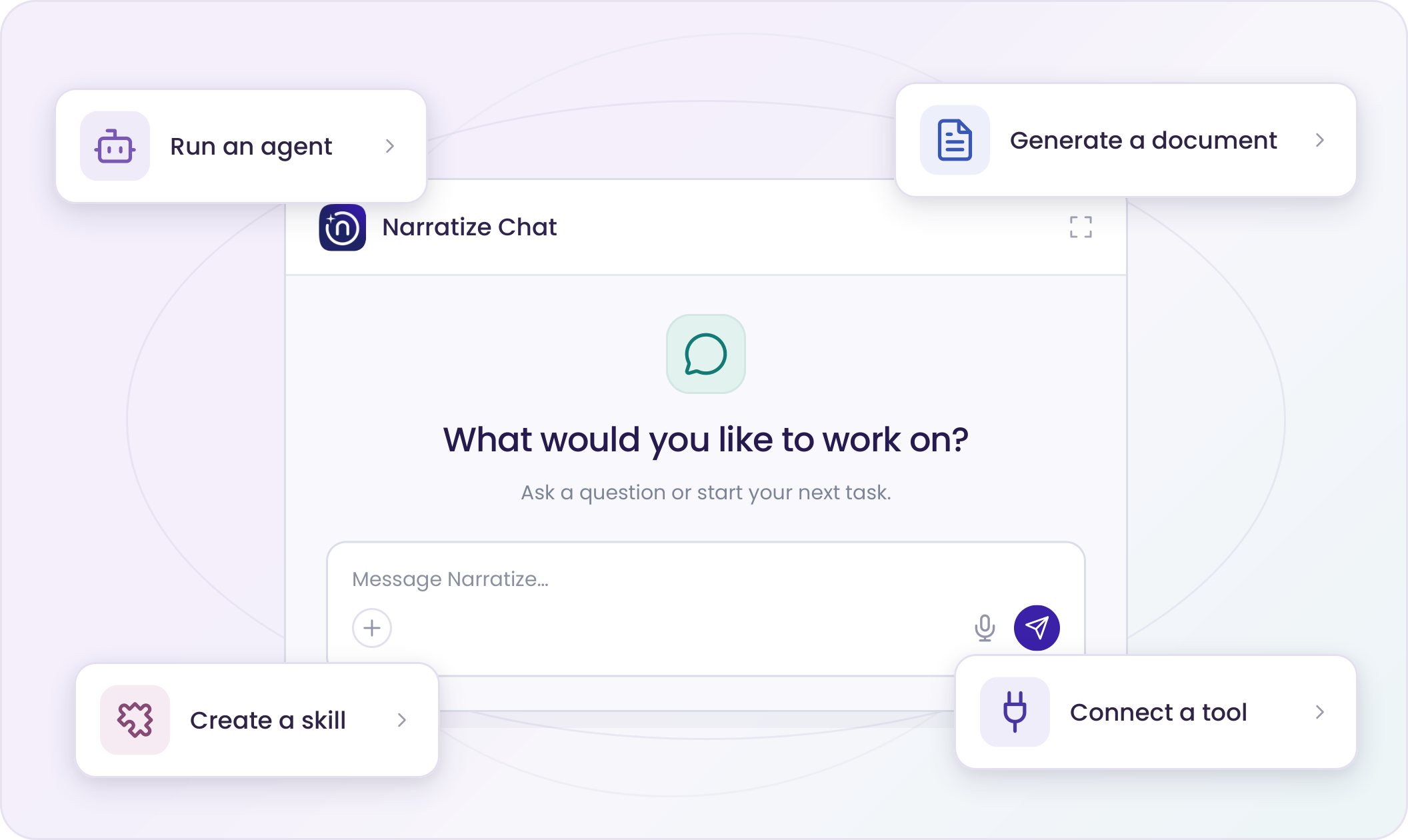
Your Product Knowledge Hub keeps product evidence and expert knowledge together. Start there, attach the specification or report you’re working on, or select an enabled Connector to bring in a source from another tool.
Ask a question that moves the work toward a decision: What changed? Where does the evidence conflict? Which assumption should we test first?
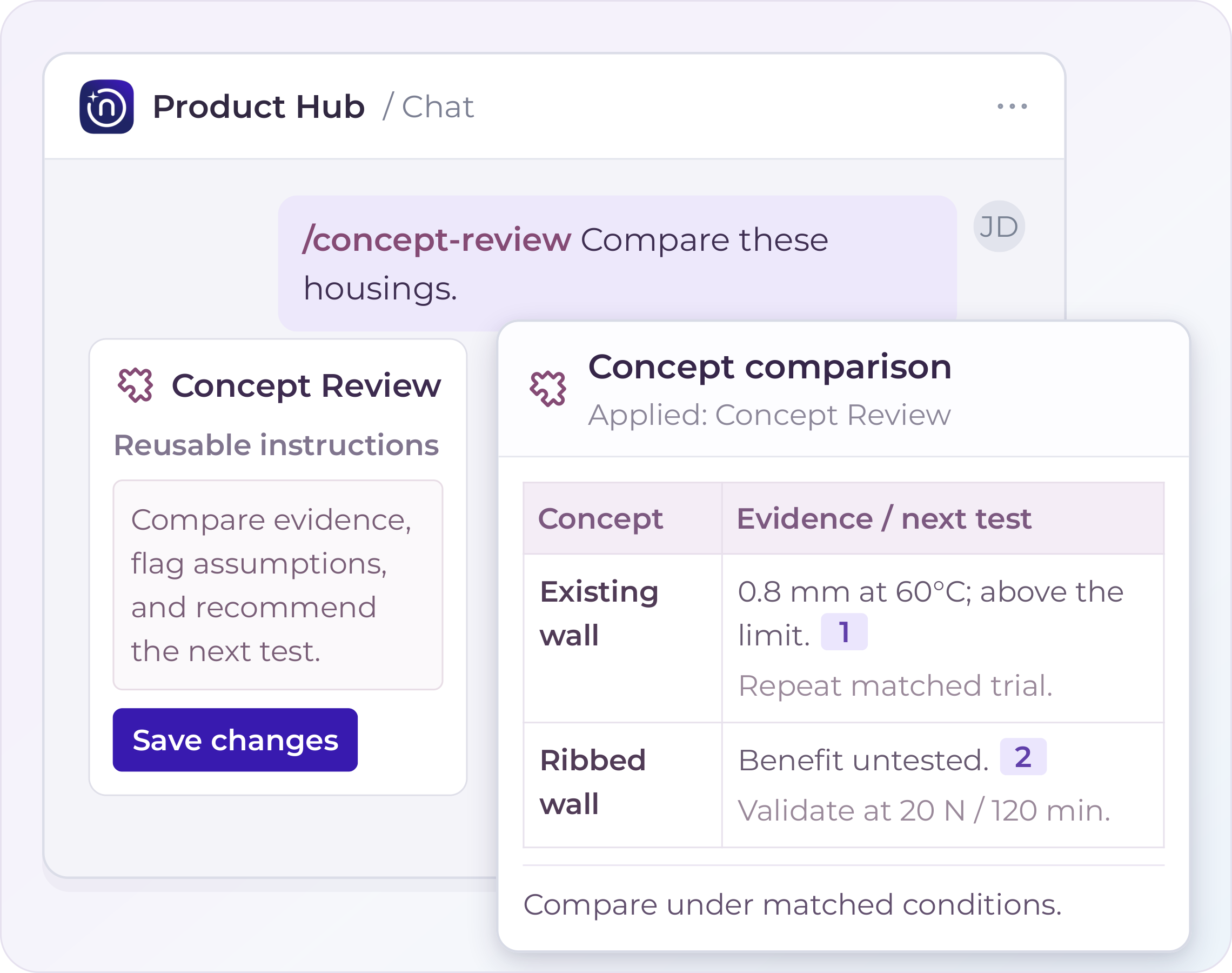
Use a ready-made Narratize Skill or save your own recurring instructions and run them with a keyword. Chat can recommend an Agent or Smart Template for the task and run it in the conversation. Check the inputs, review the result, and save the work you want to keep.
For example, bring in a revised customer specification. Ask Chat to compare it with the requirements and test results in your Hub. Use Alignment Checker to examine inconsistencies, then prepare a draft engineering brief that explains the change and the questions still to resolve.
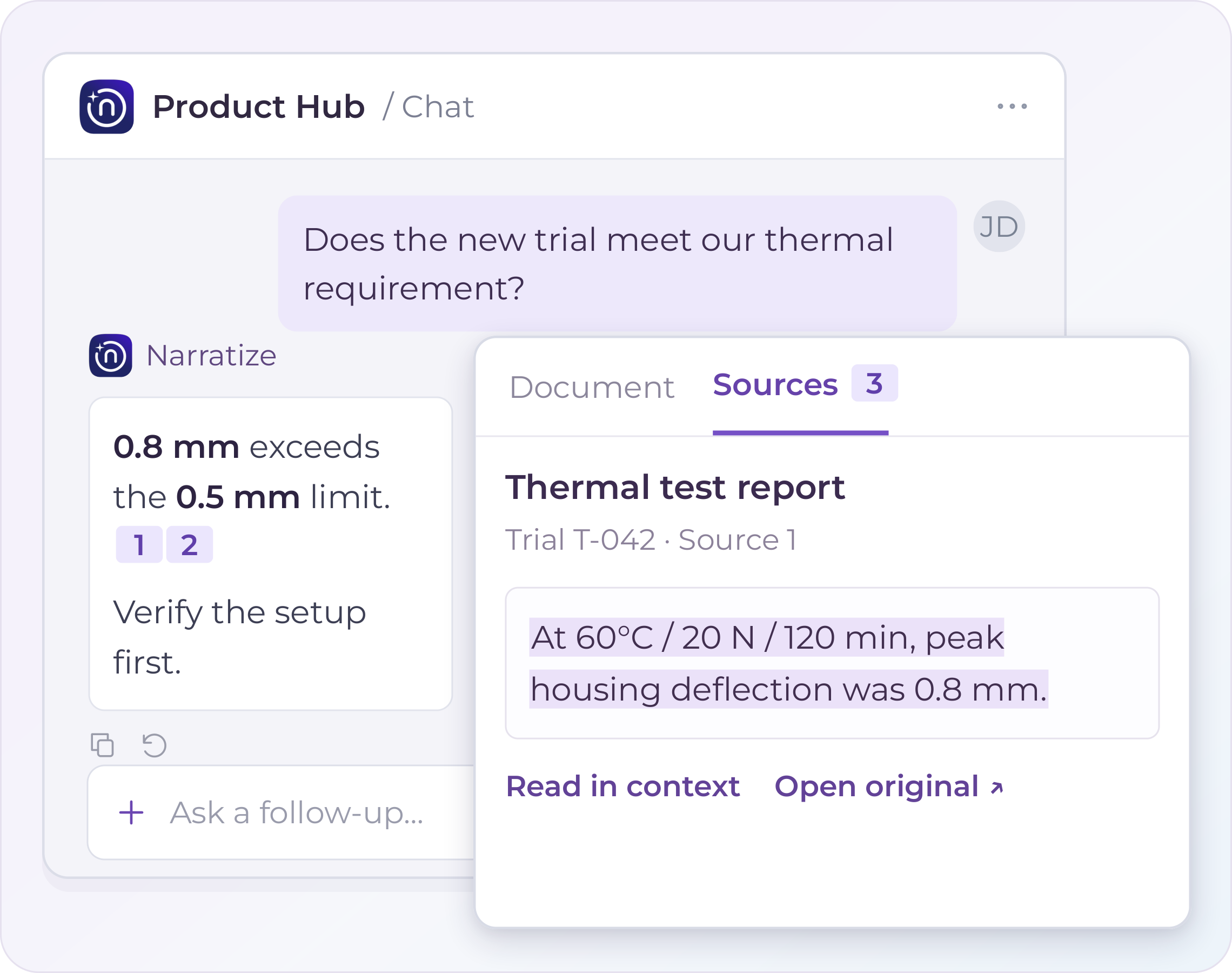
Click a citation to open the passage behind a claim. Check the test conditions or the exact wording of a requirement before using it in your recommendation.
Attach a document without first saving it to the Hub, then use it on its own or alongside Hub knowledge. Continue working on the result in Chat: edit or save the document, or import, export, or update one through a supported Connector.
Start with one question you already need to answer. Work through it, check the evidence, and prepare something the next person can use.
It connects to the systems you already use. It thinks through the problem with you. It runs the Agents, Smart Templates, and Skills that finish the work.
Schedule a demo and watch your team's expertise become intelligence the whole organization can use.